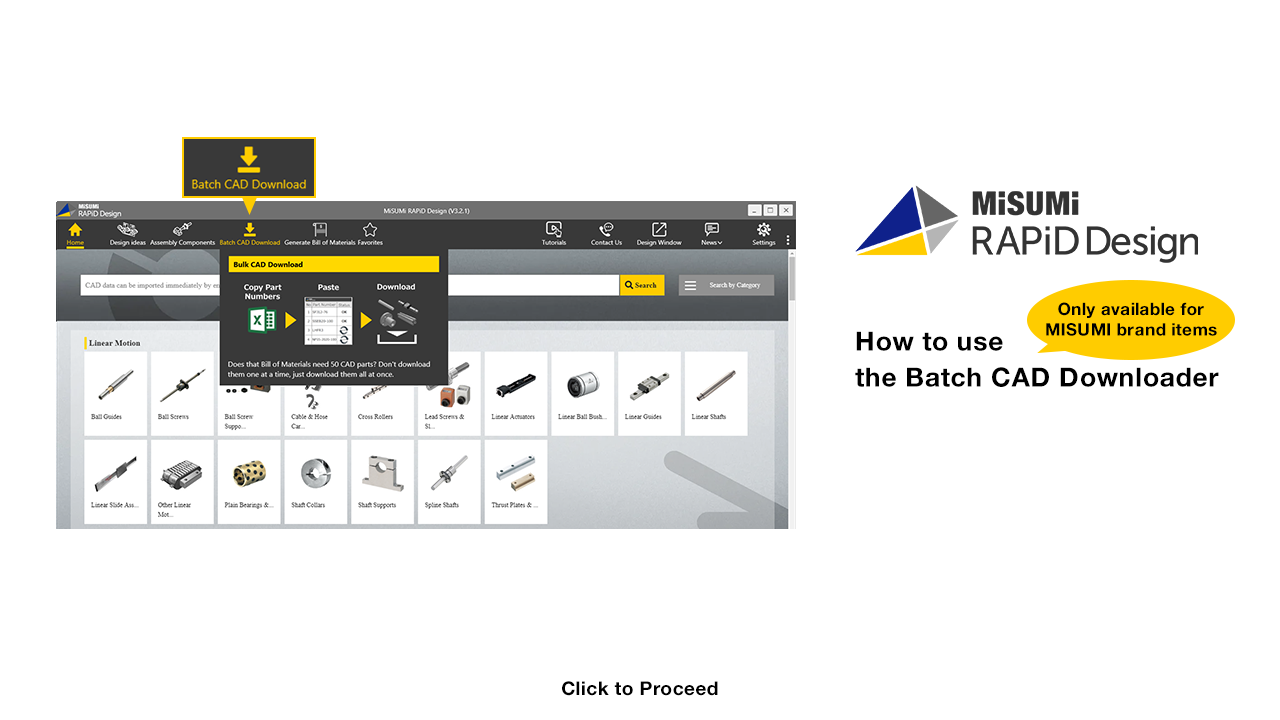

Multiple CAD files can be downloaded at once

Click

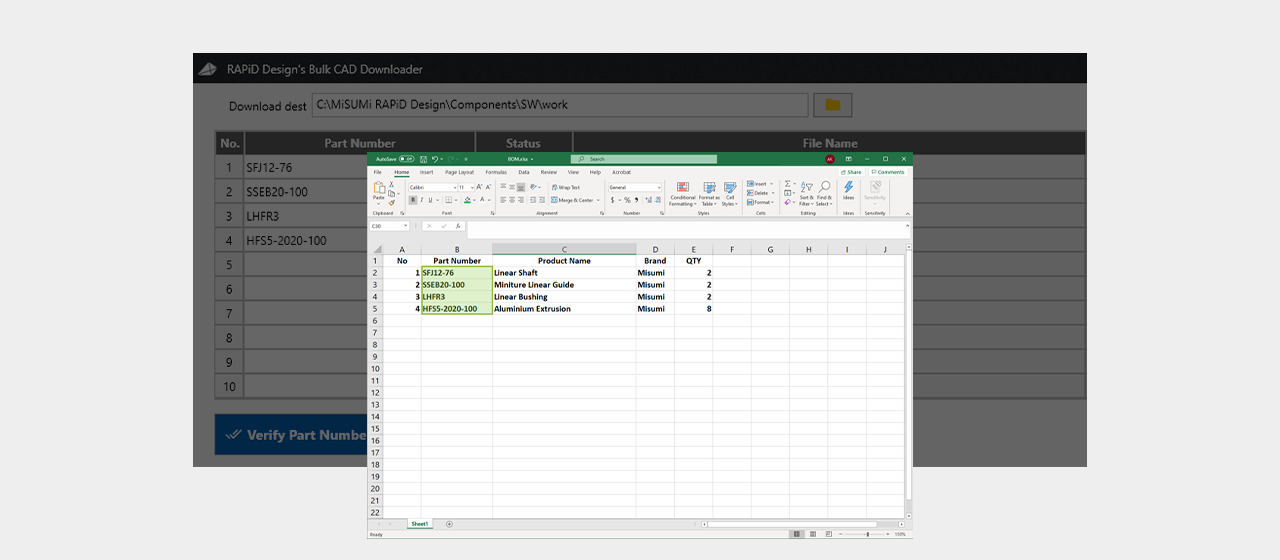
Copy the part number from the parts list


Click
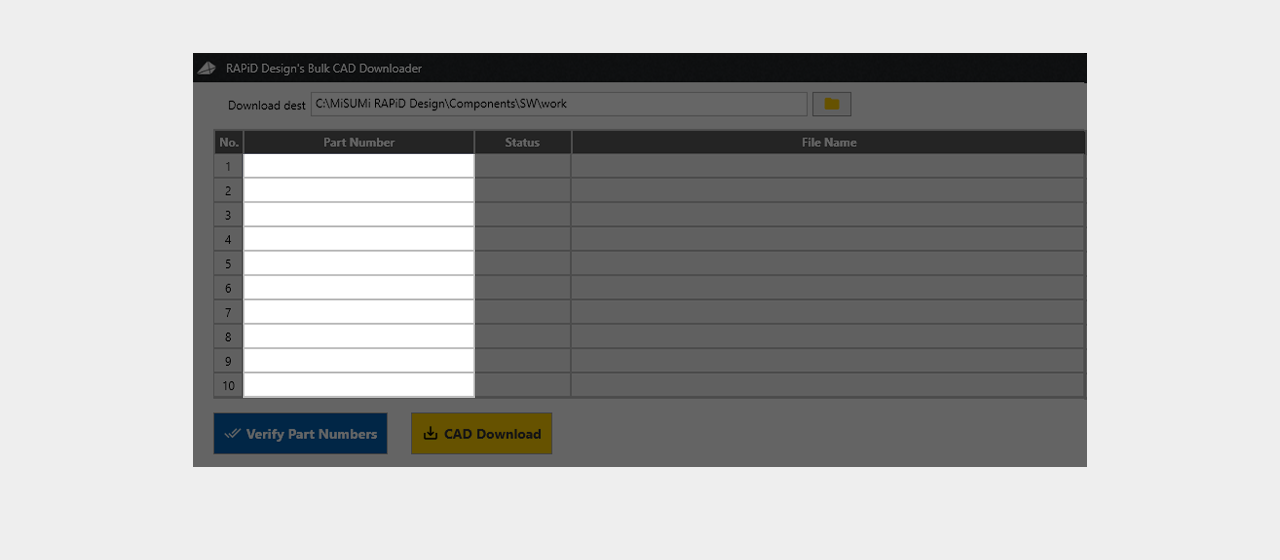
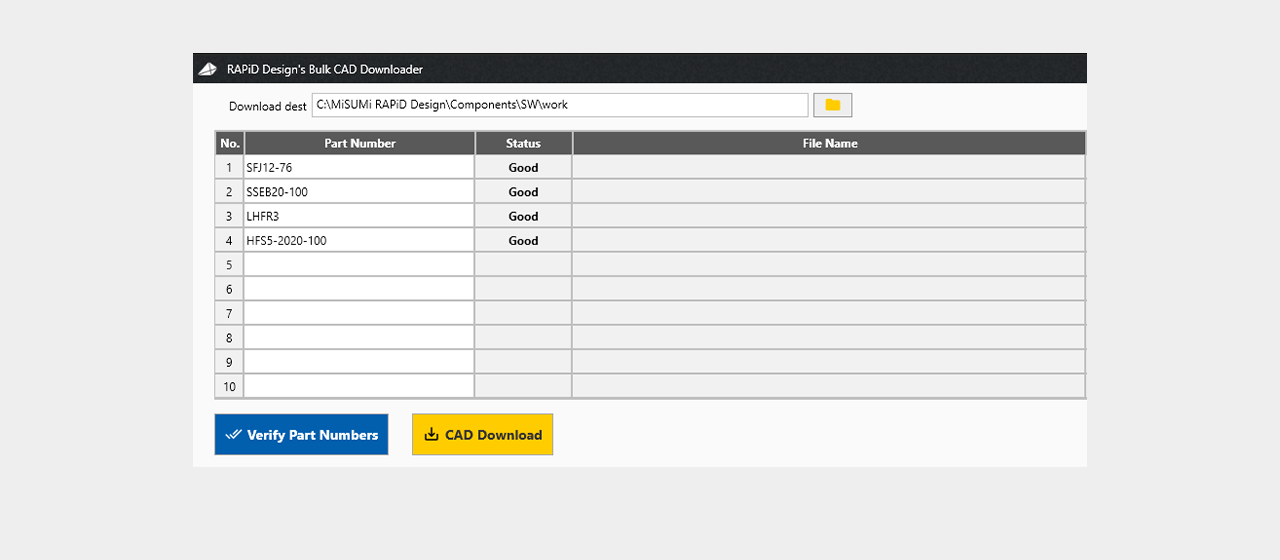
Paste them onto the download list

Click
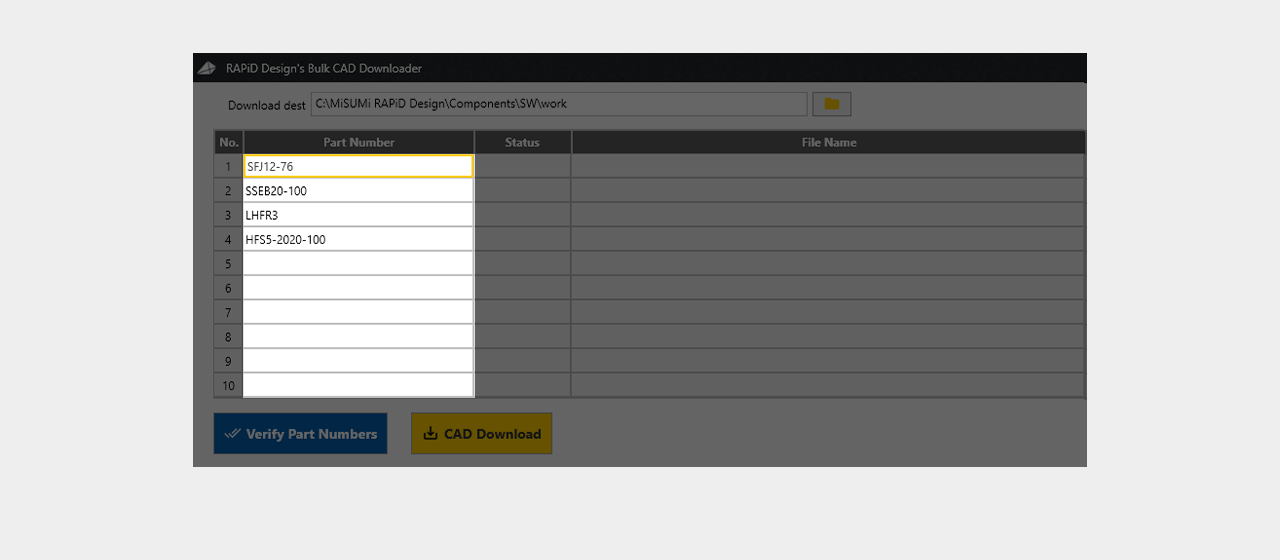
Paste them onto the download list

Click
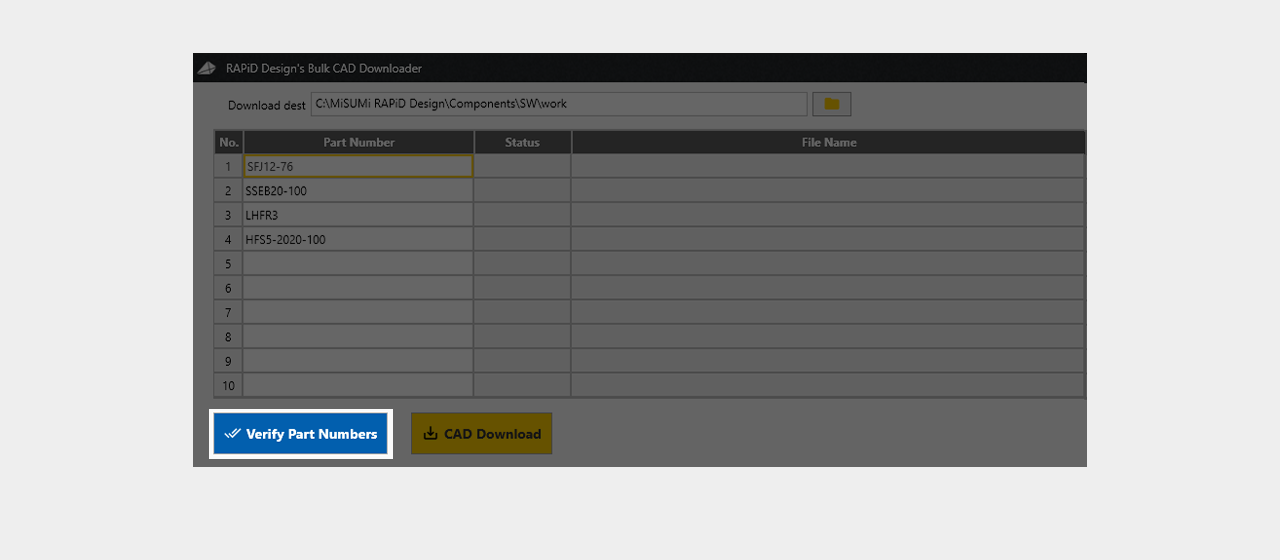
Check to see if you already downloaded any models

Click
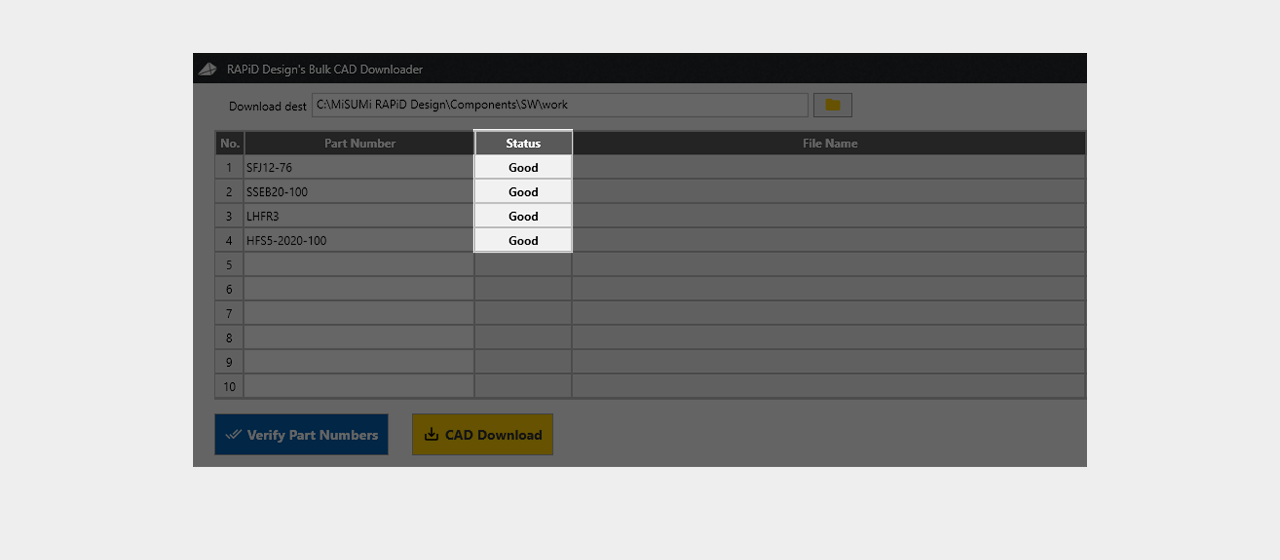
Check to see if you already downloaded any models
Click
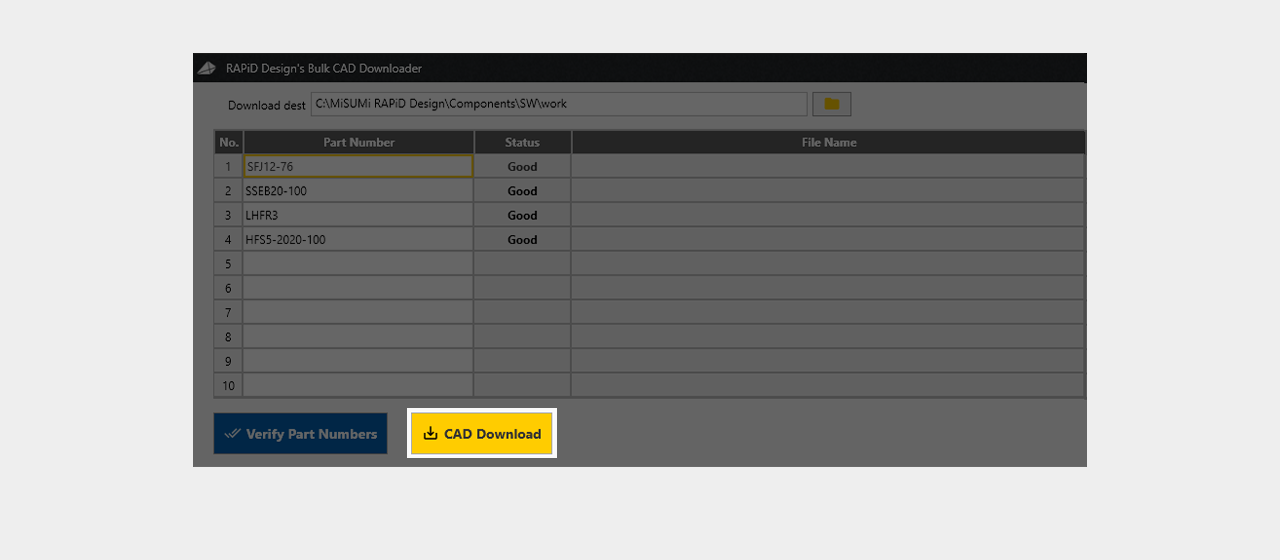
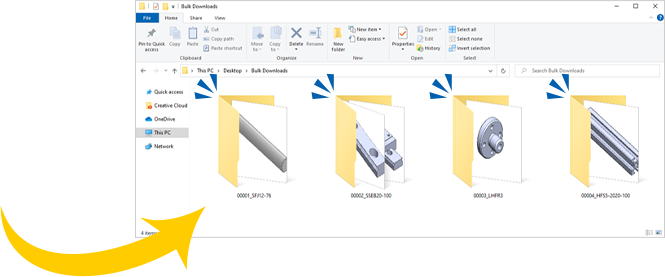
Download the data to any folder you like

Click
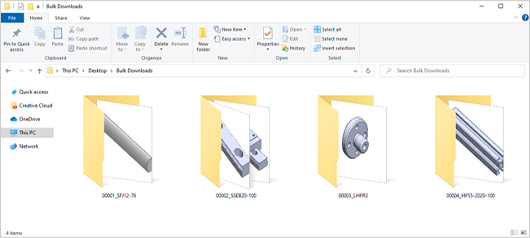


Download the data to any folder you like
Click
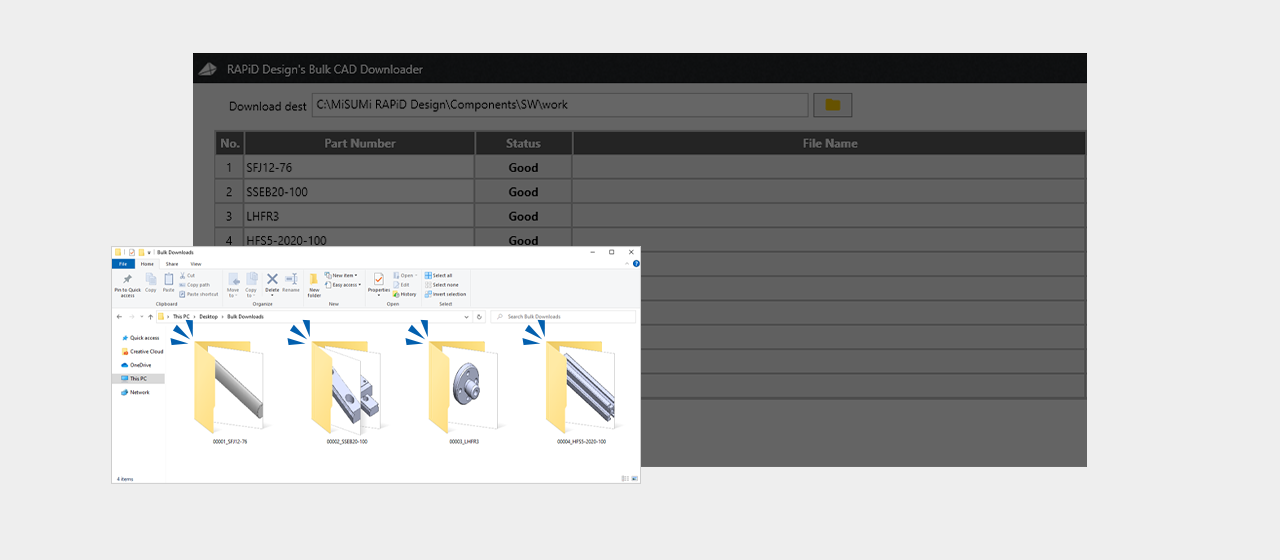
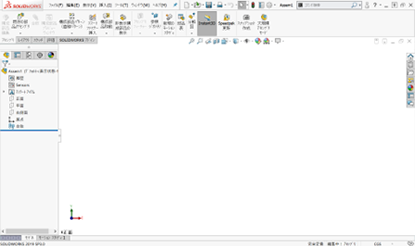


After downloading, import the data from that folder at your convenience.
Click
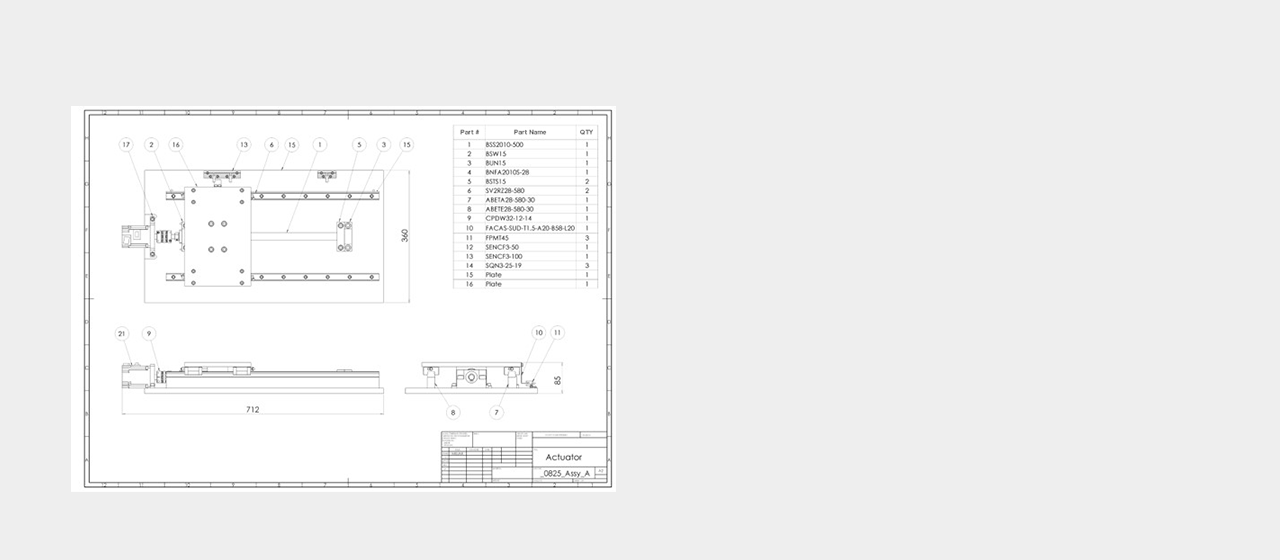
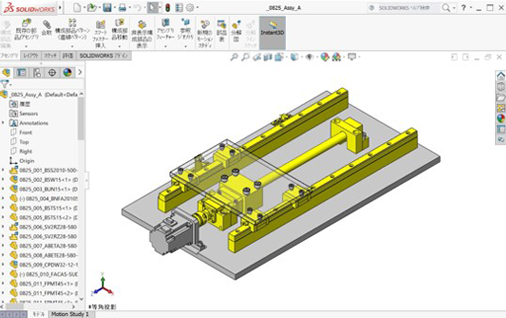
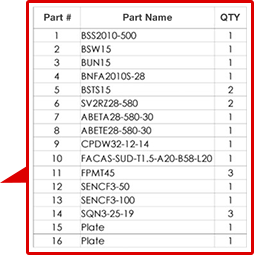

Now 2-D BOMs can be quickly recreated in 3-D
Click

That concludes the tutorial behind using MISUMI's Batch CAD Downloader