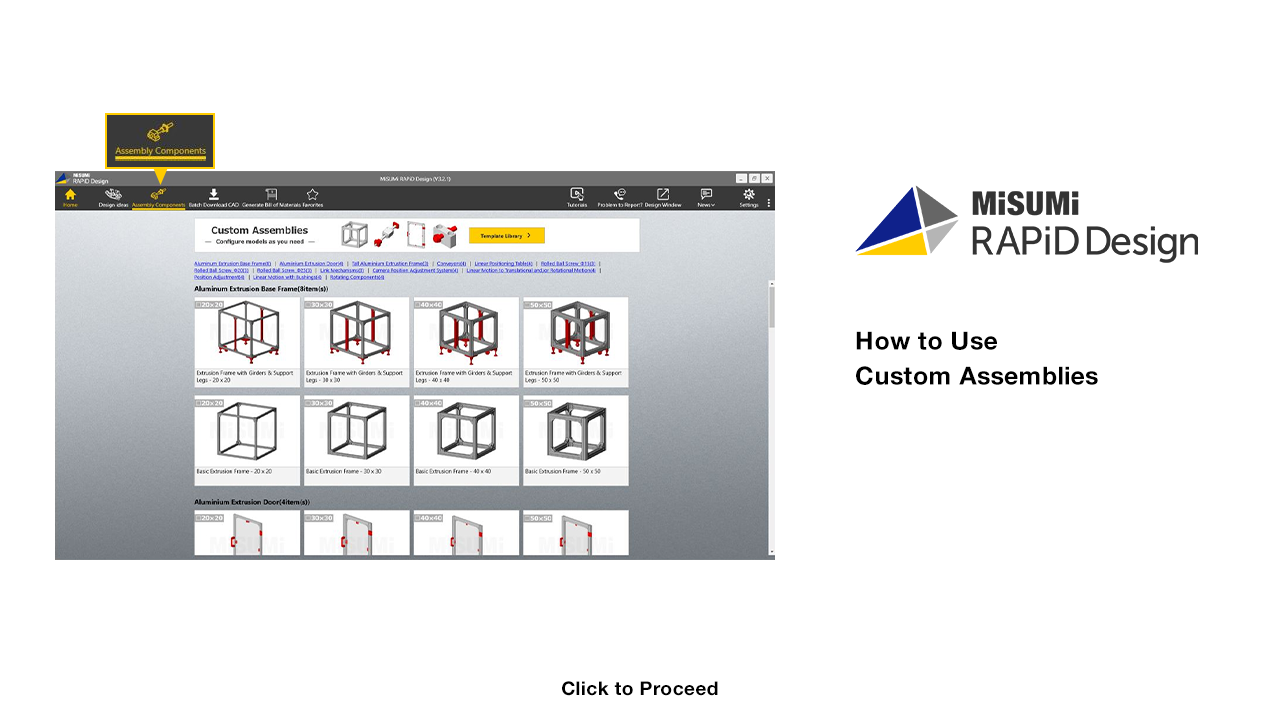

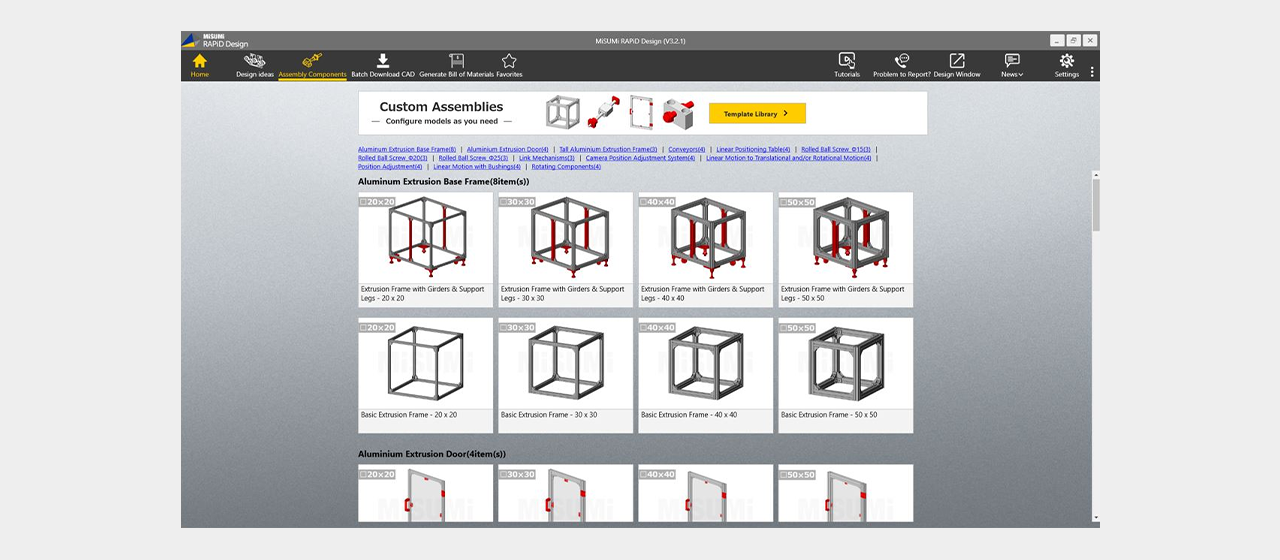

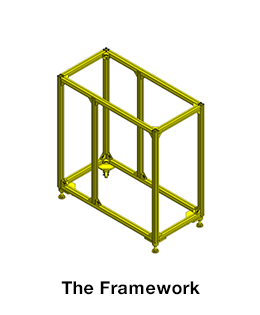
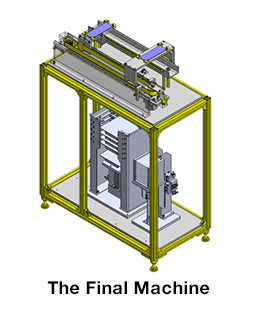
[Point] We have prepared customizable assemblies made of common parts
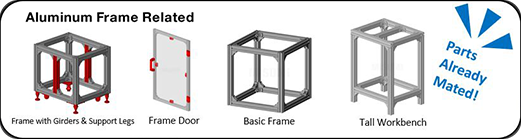

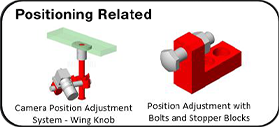
[Point] Easier Integration into your Solutions


Click

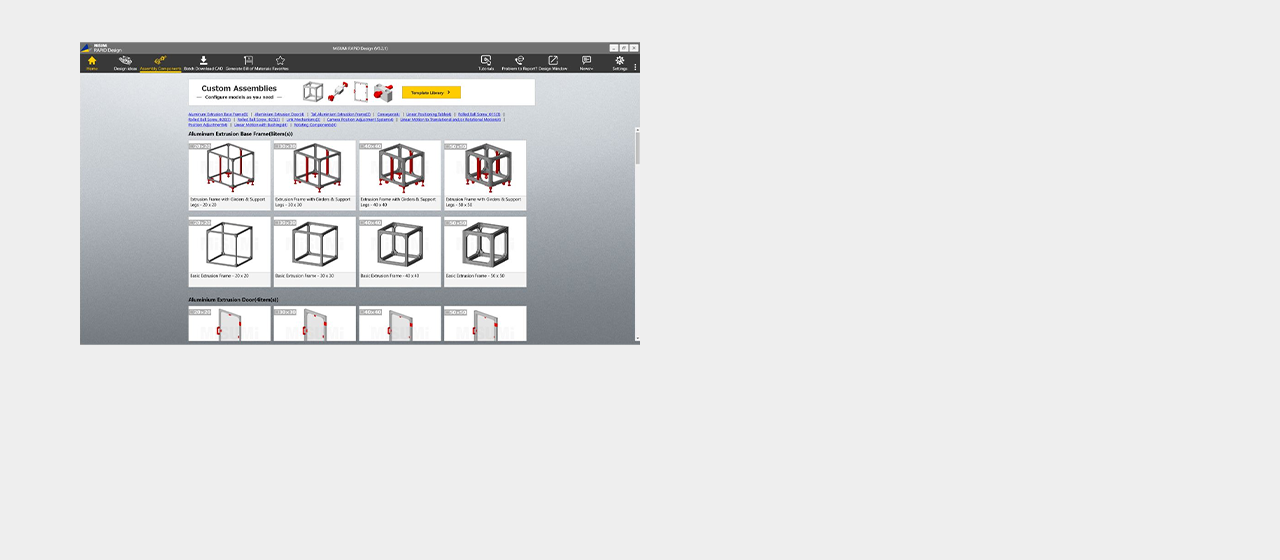
Select an assembly and import directly to SOLIDWORKS




Click
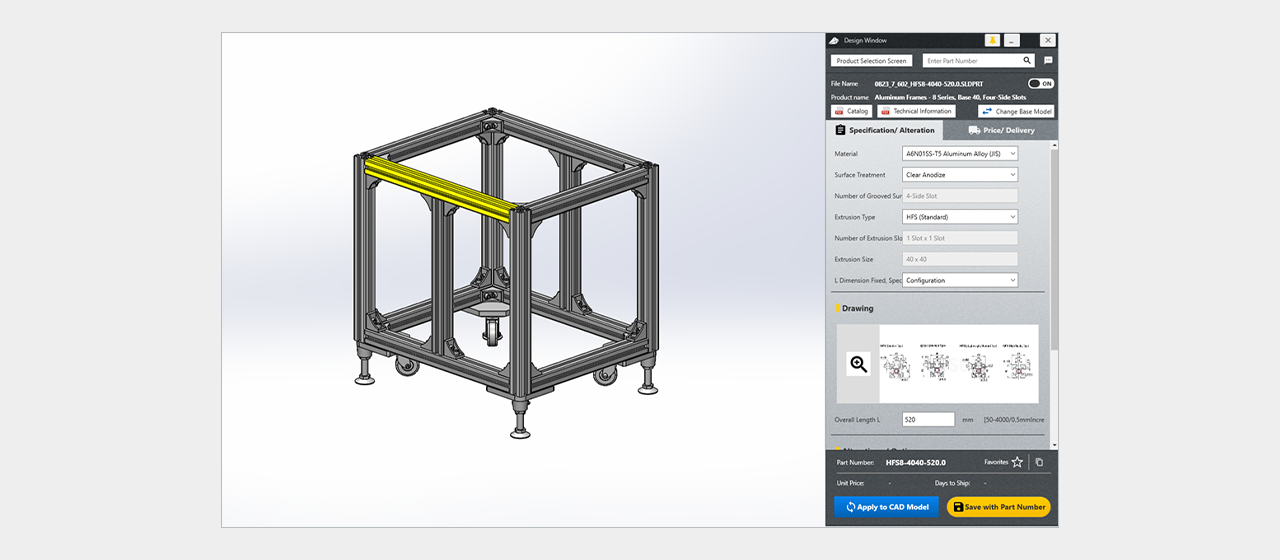
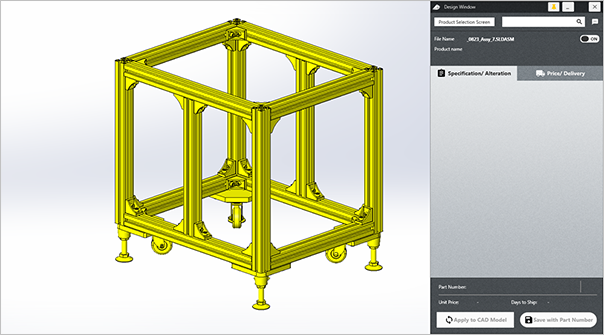
Customize the CAD to your needs


Click
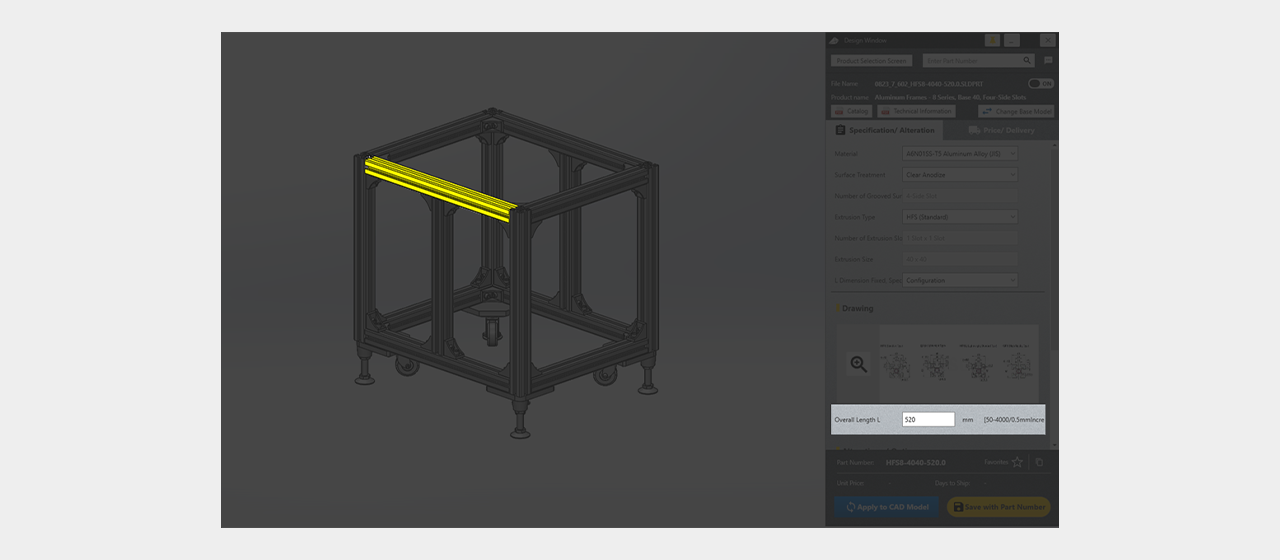
Enter the new value for the specification

Click
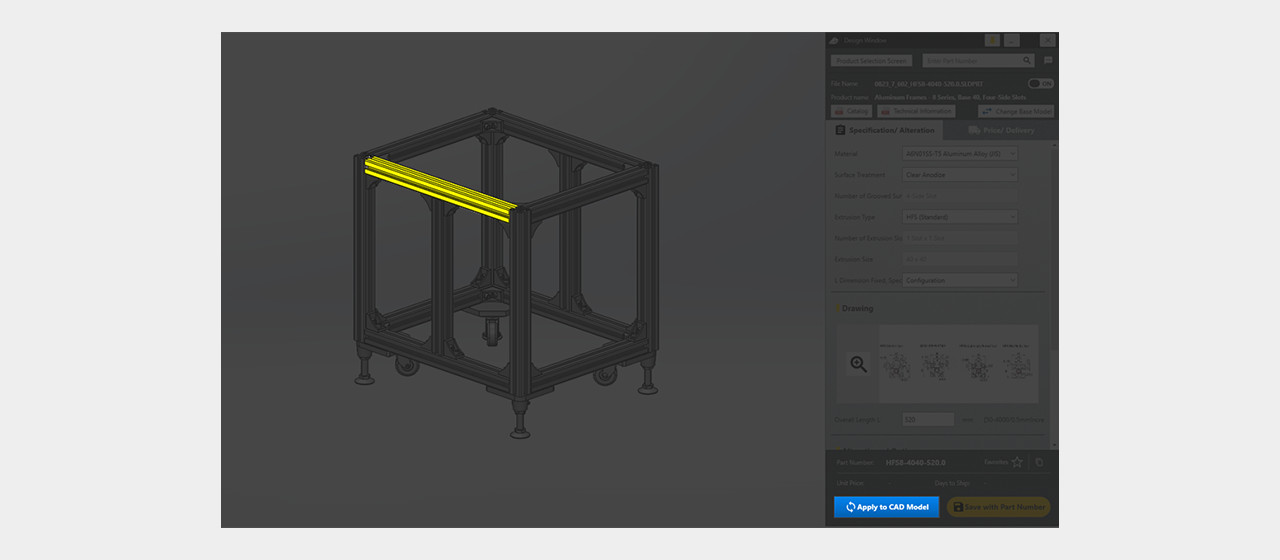
Click "Apply to Model"


Click
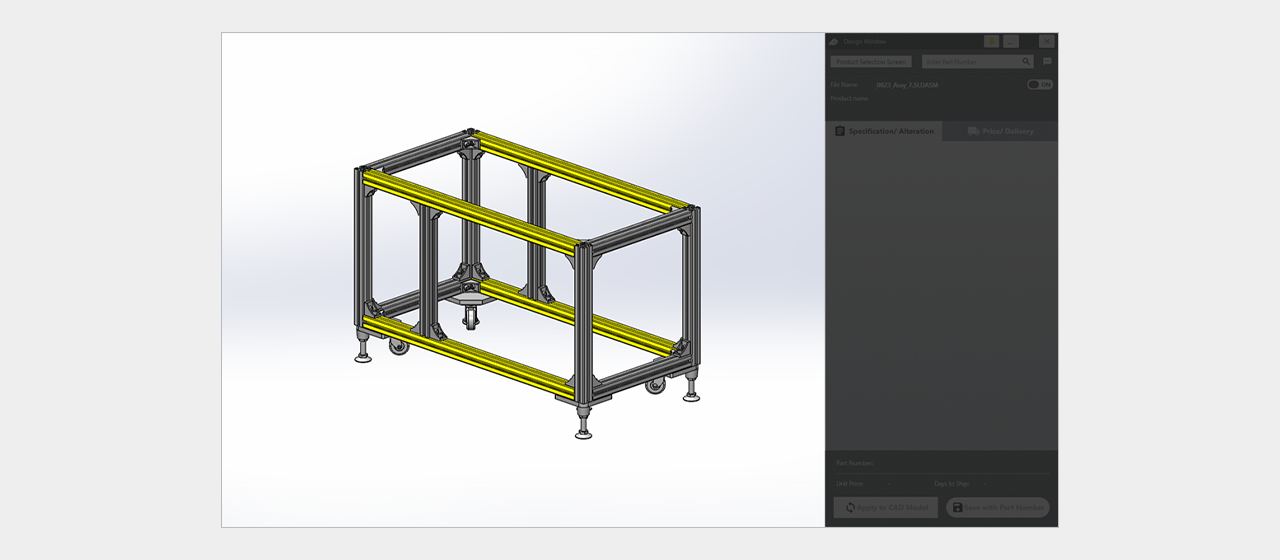
The specs are now updated on the model

Click
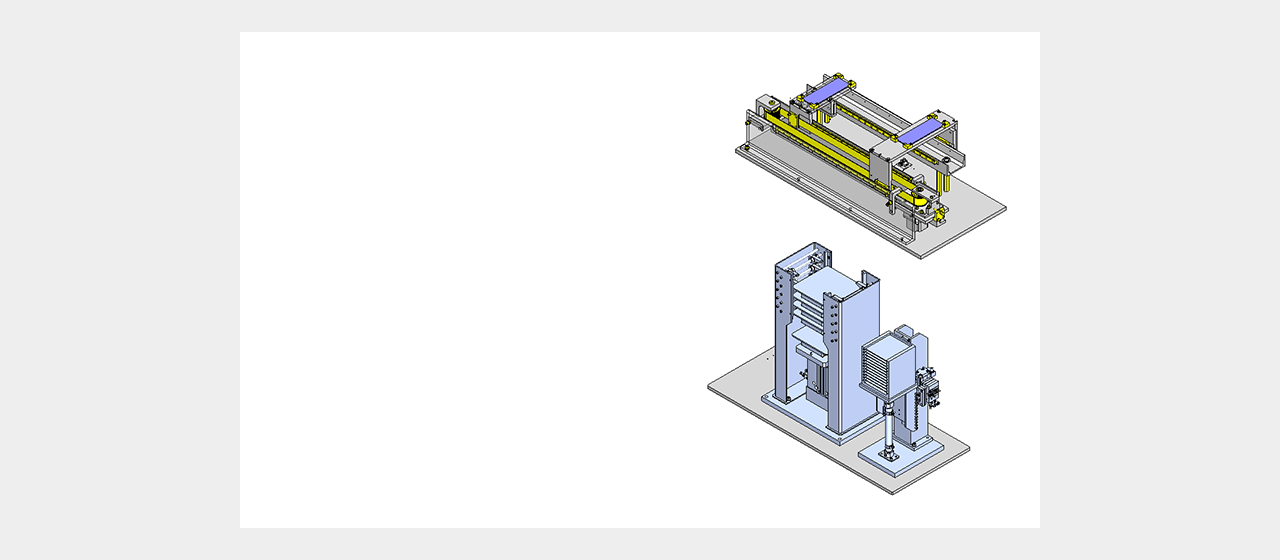
[Point] Integrate into your future solution
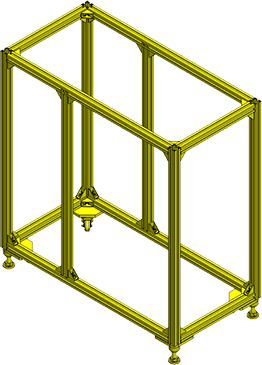

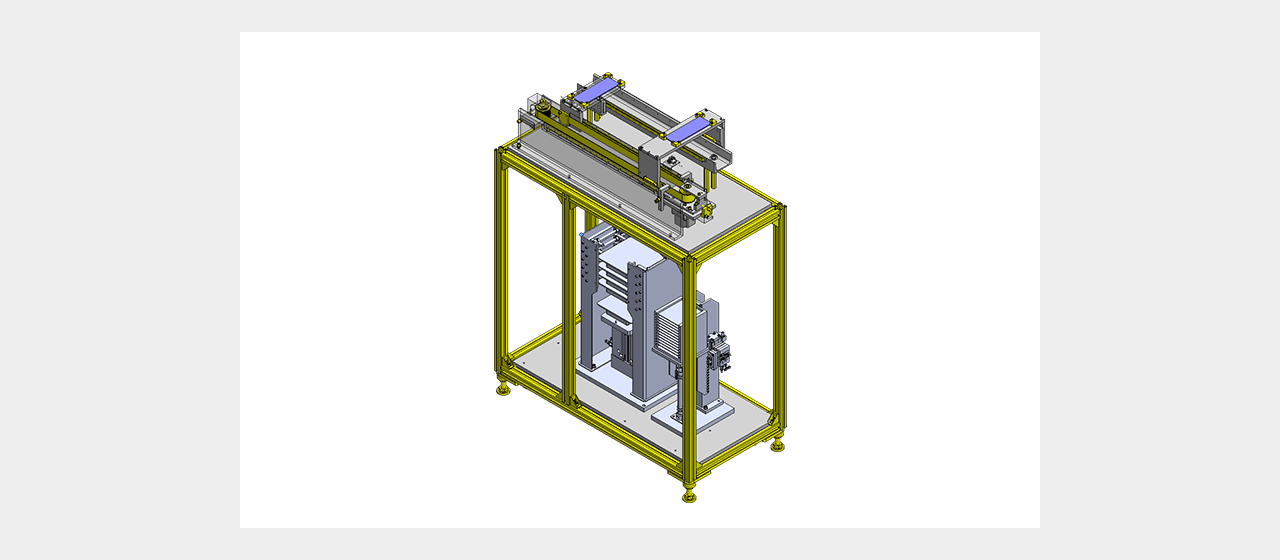

Click

That concludes the tutorial behind using Custom Assemblies