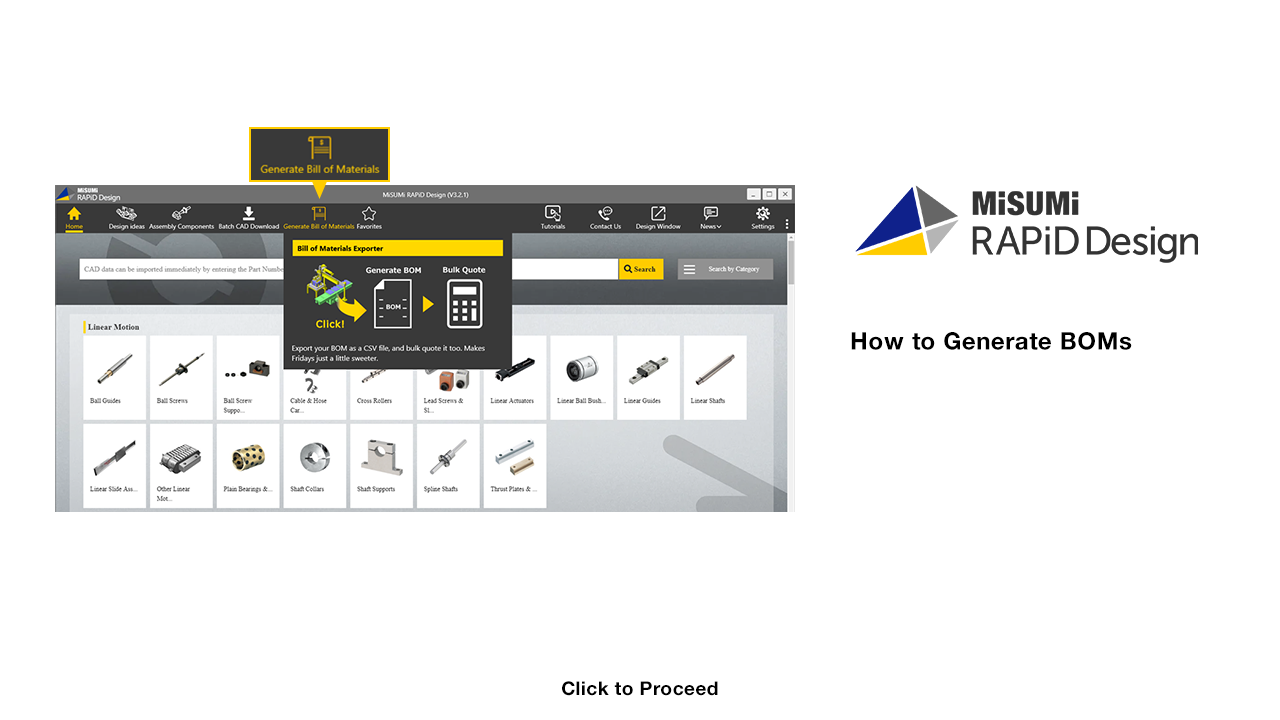

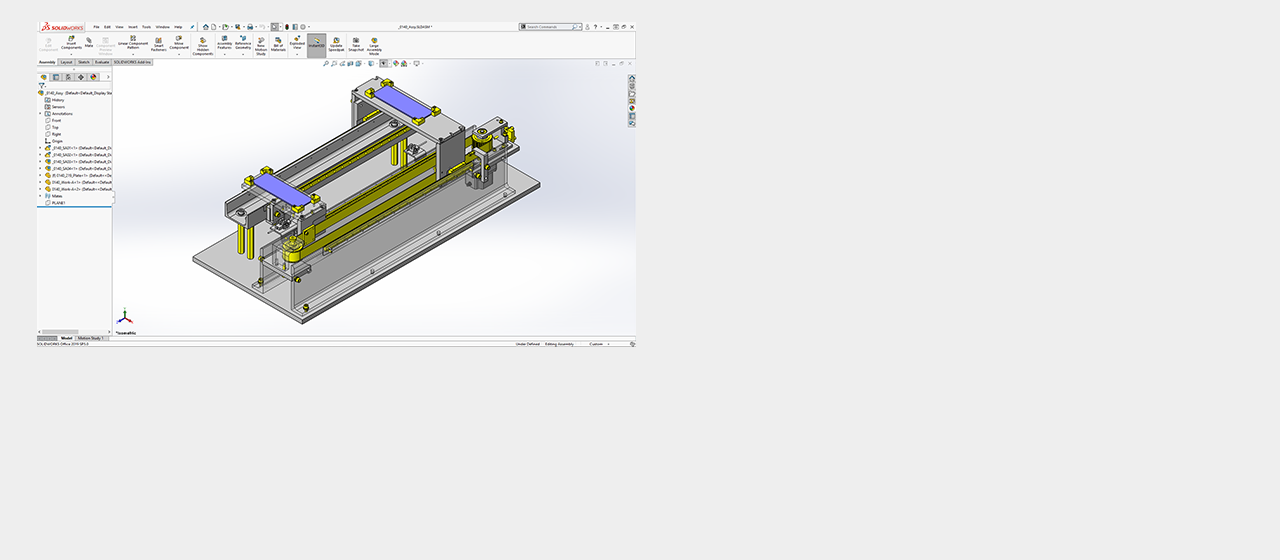
[Point] Generate BOM of an assembly on CAD automatically
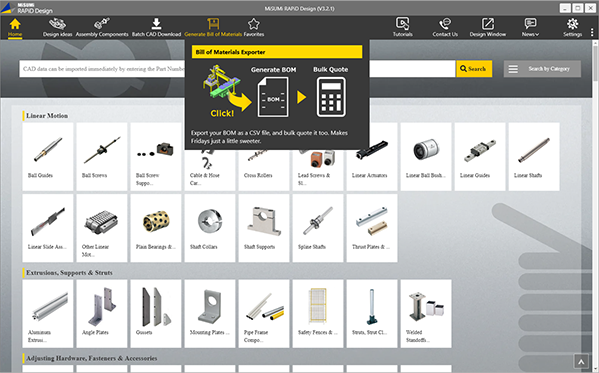




Click

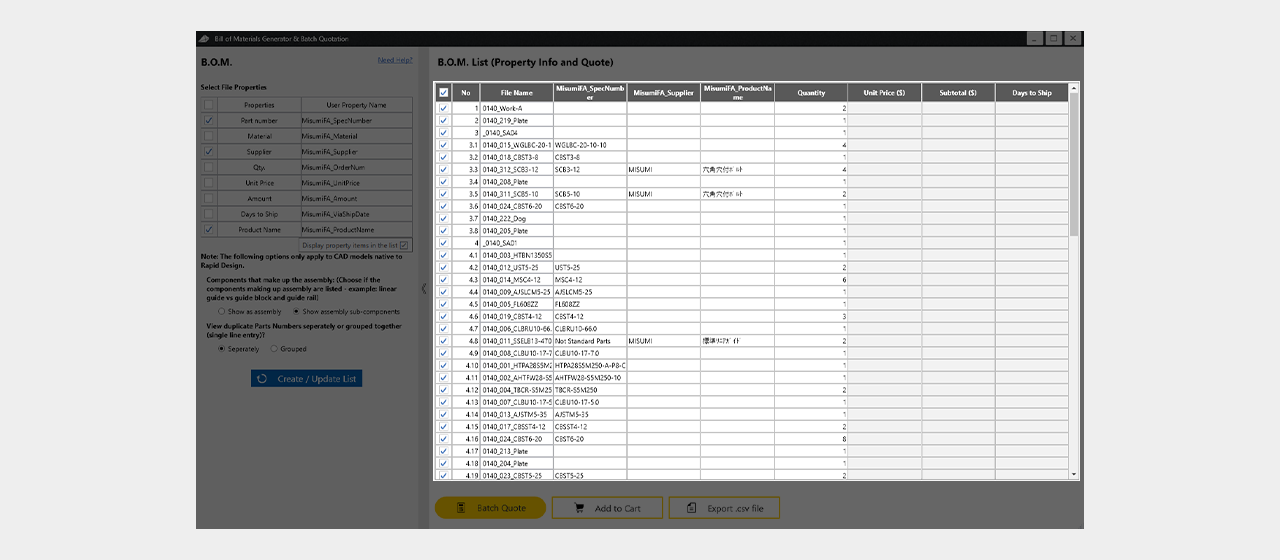
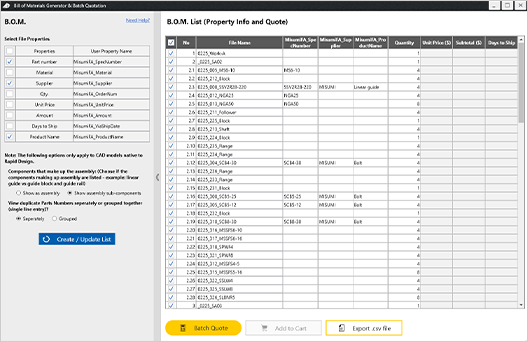
The parts list will be displayed when the screen is launched

Click
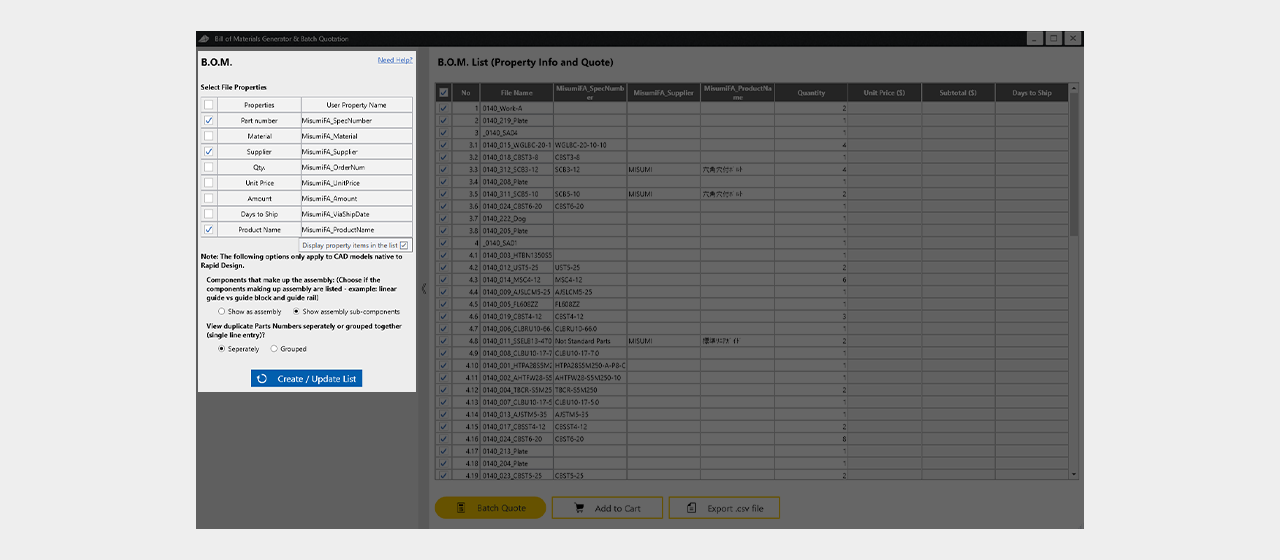
[Point] You can set the list display items as you like
Click
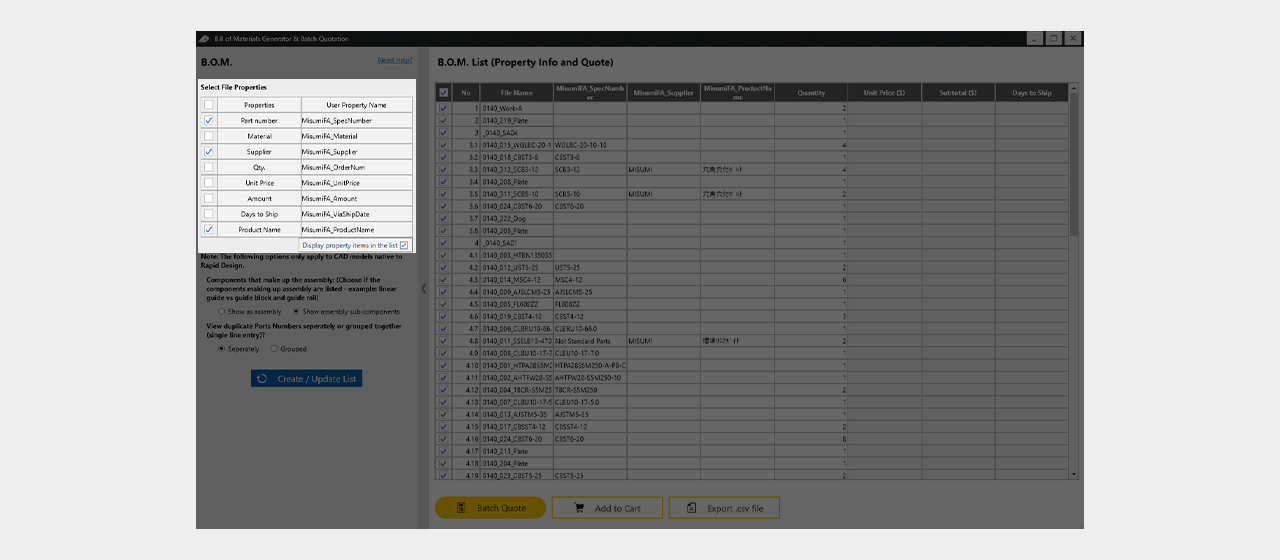
Show/Hide property information


Click
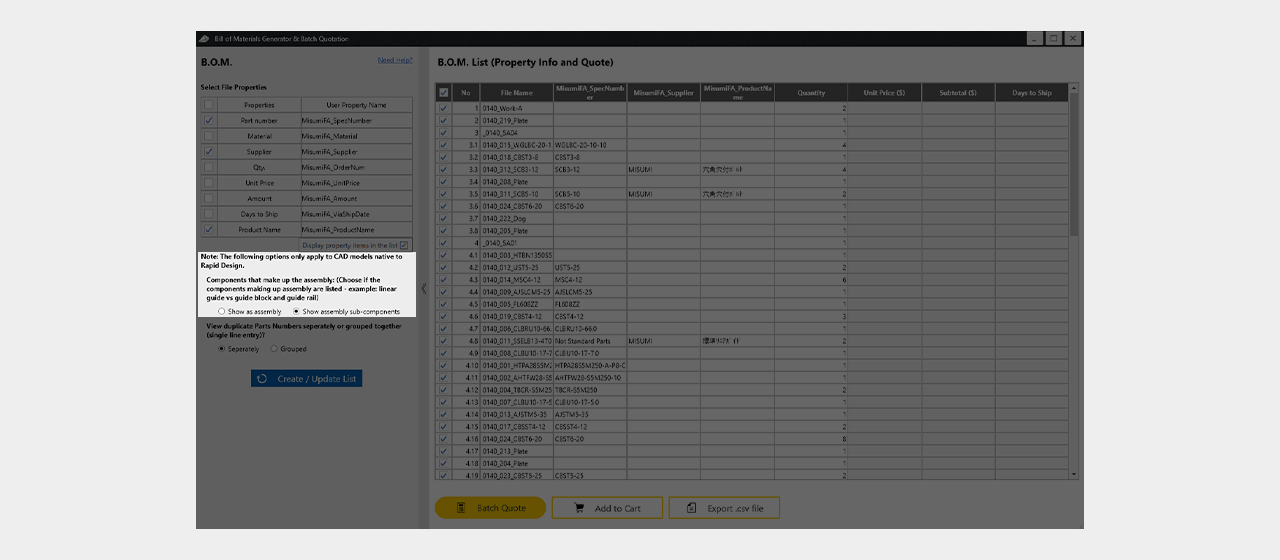
Display/hide the component parts of an assembly product
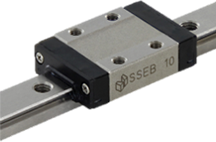
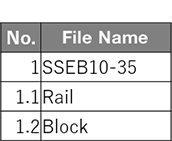

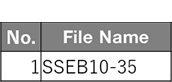

Click
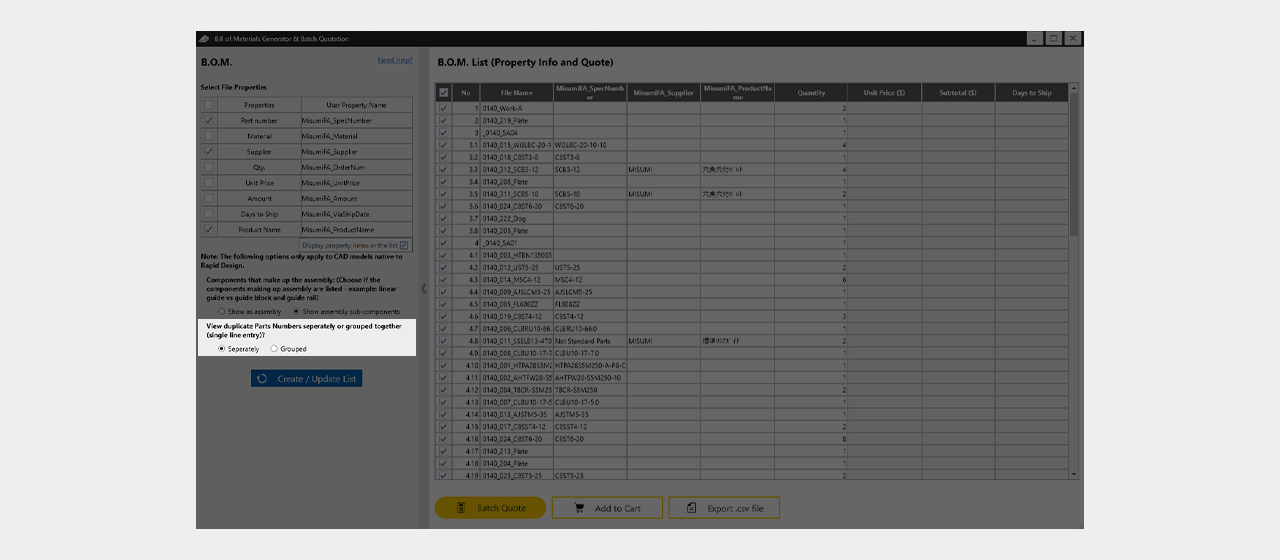
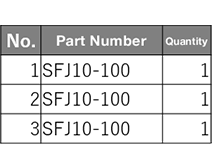
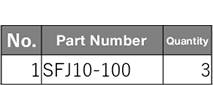
Display of individual parts of the same model number / aggregate display

Click
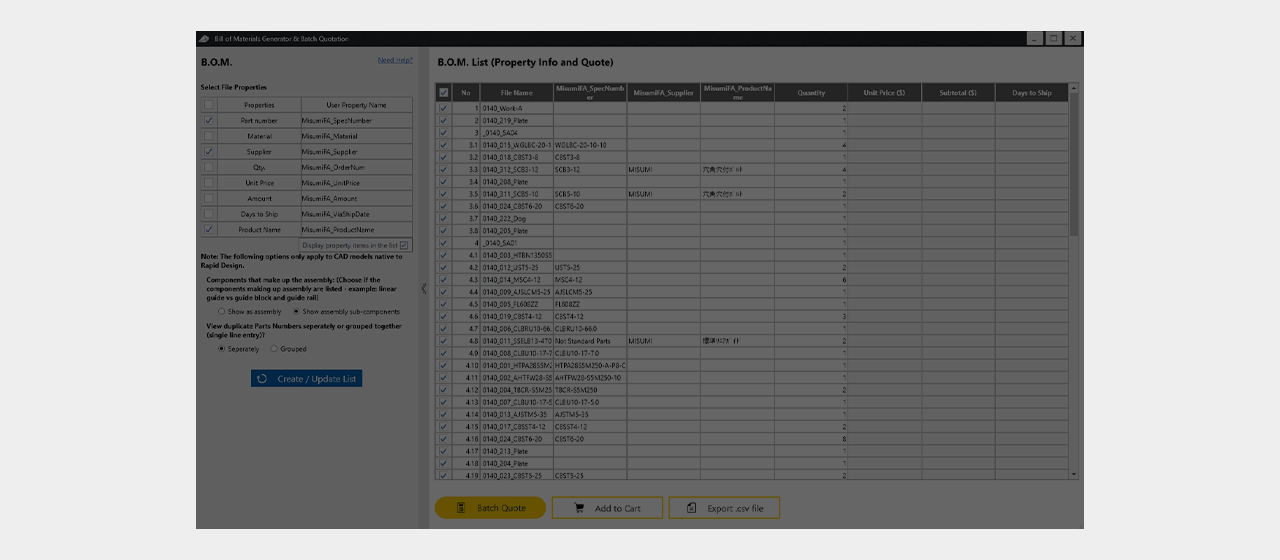
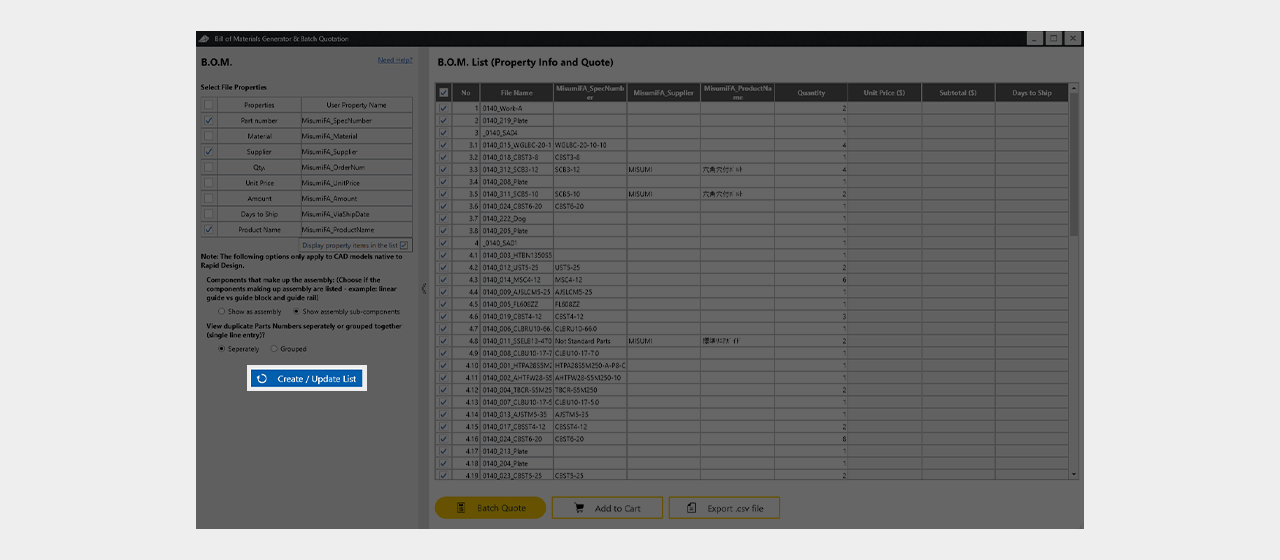
After setting the display items, click "Create / Update List"
Click
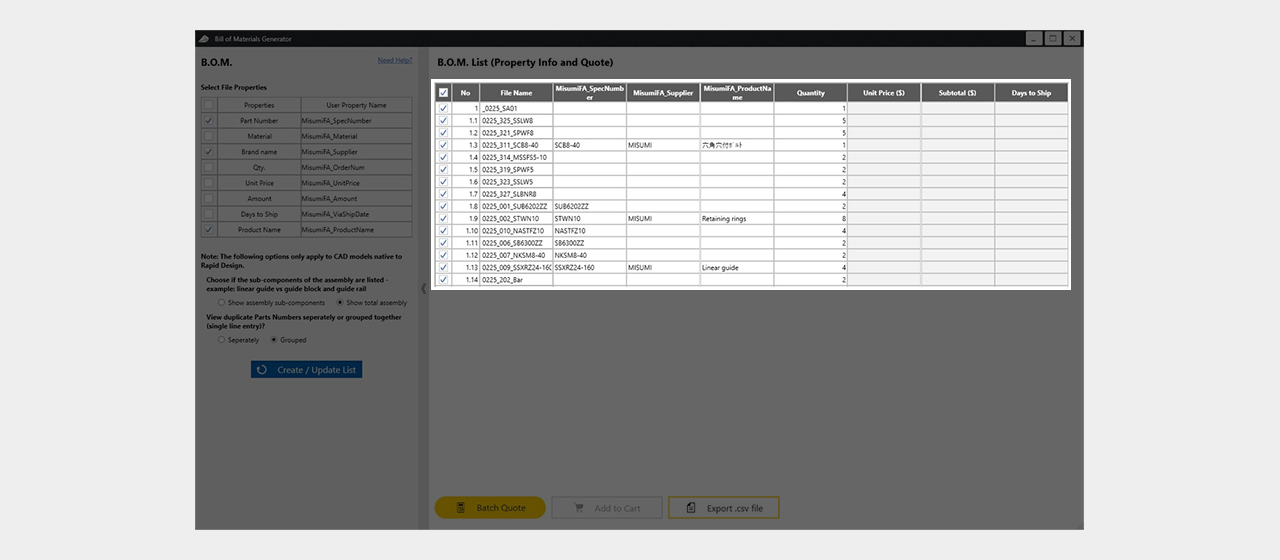
The parts list will be recreated

Click
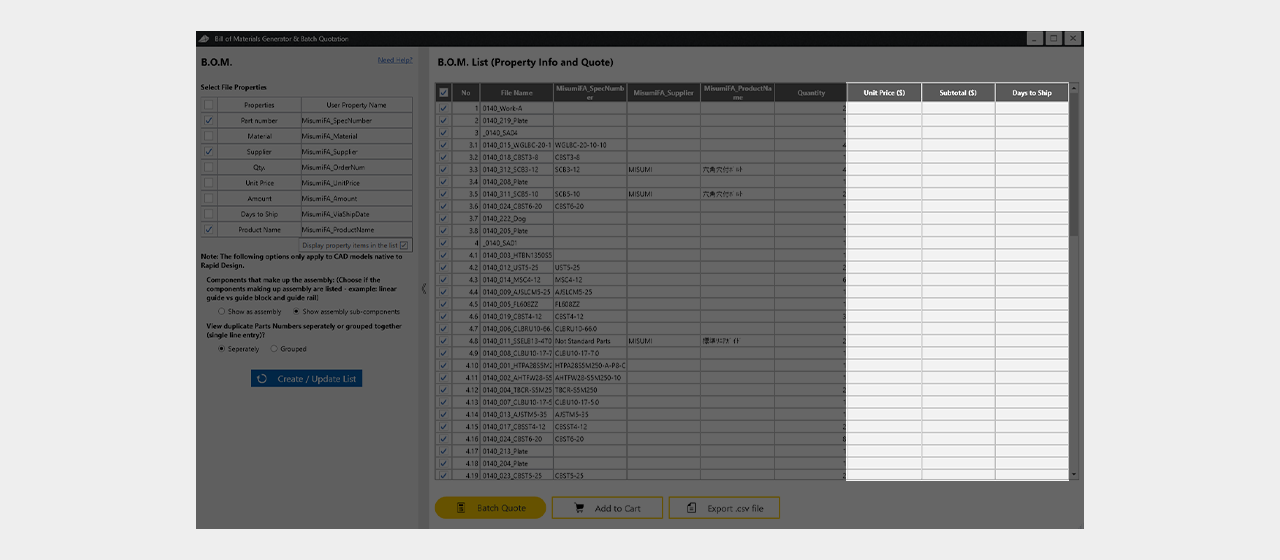
[Point] Unit price and shipping date can be quoted at once
Click
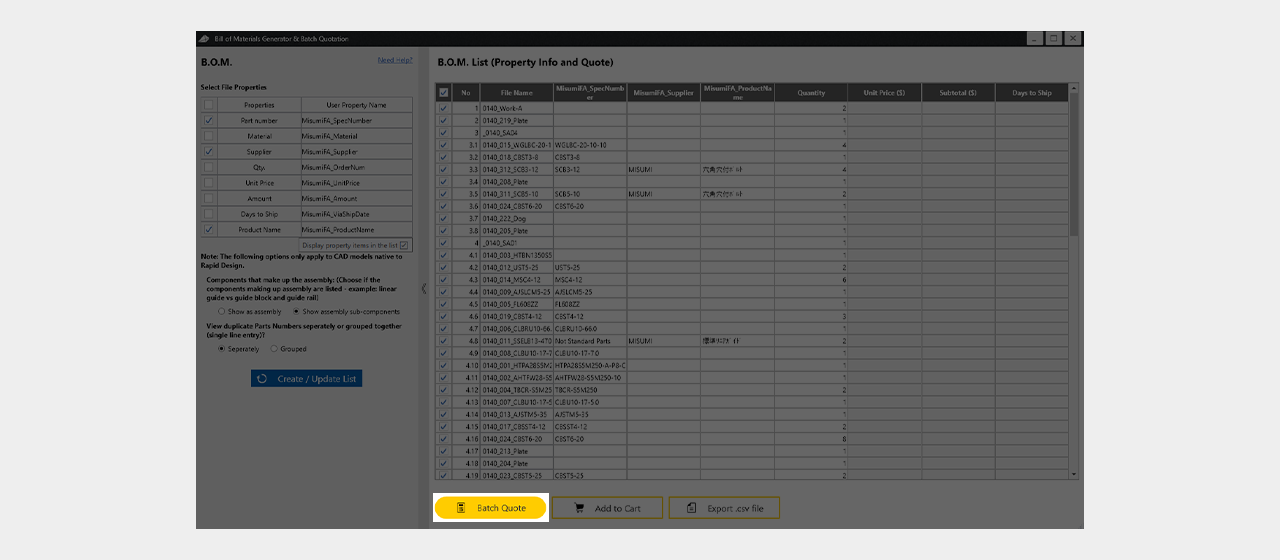
Click Batch Quote

Click
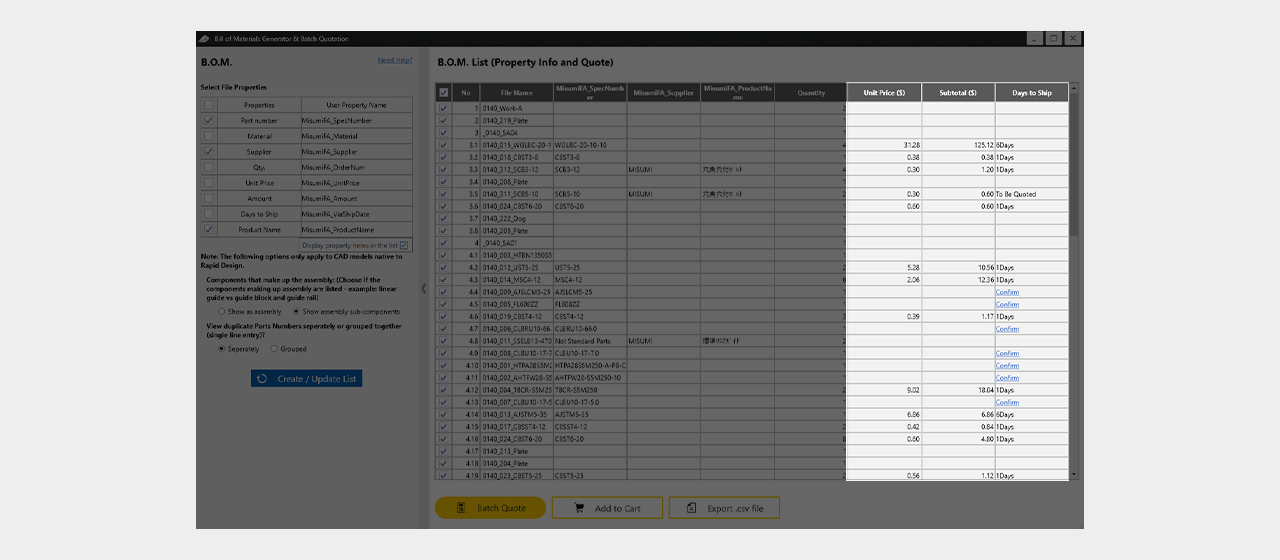
The unit price and shipping date will be displayed

Click
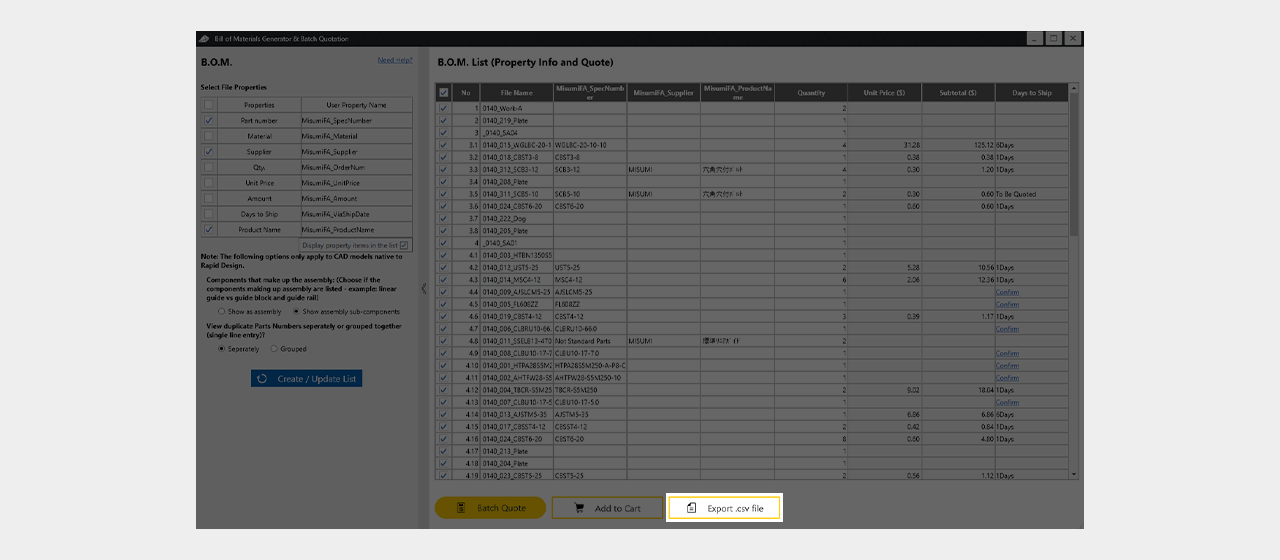
[Point] CSV file output is also available
Click
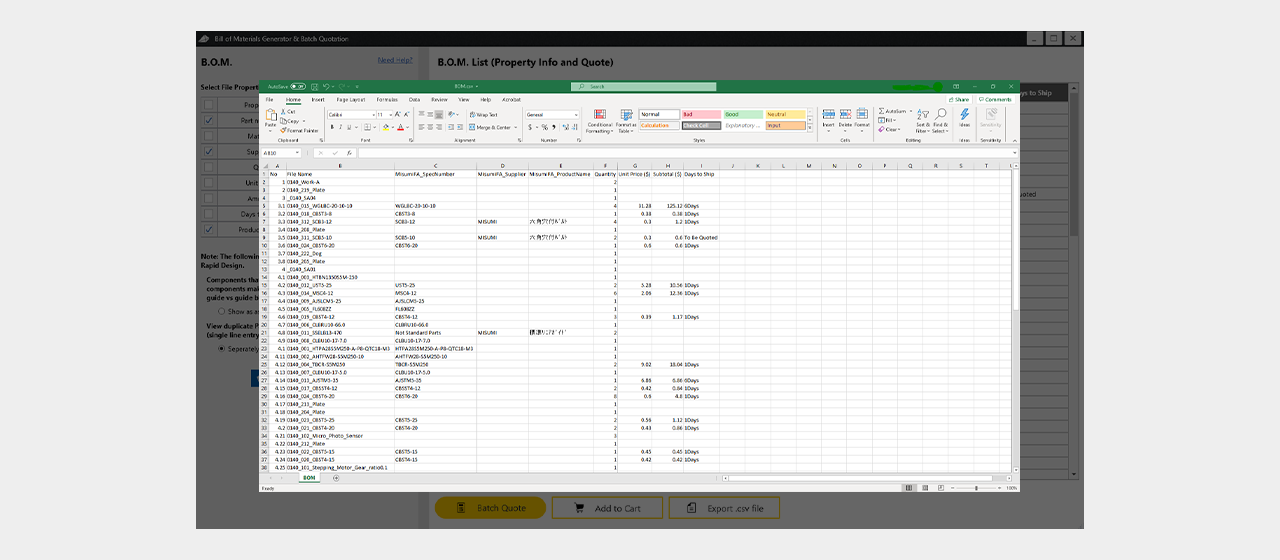
[Point] CSV file output is also available


This is how to operate the automatic parts list creation and batch quotation function